How to design configure and print label on MAC with GoDEX label printers
For models DT4x, BP41, BP4x please download FW 1.140 to printer: LINK
Customer can download FW at MAC using GoTermi: LINK
After downlaoding FW please send next command using GoTermi:
^XSET,USBSPEED,0
Then customer can chose if they want to print from PDF or any text editor they can install driver at MAC: LINK
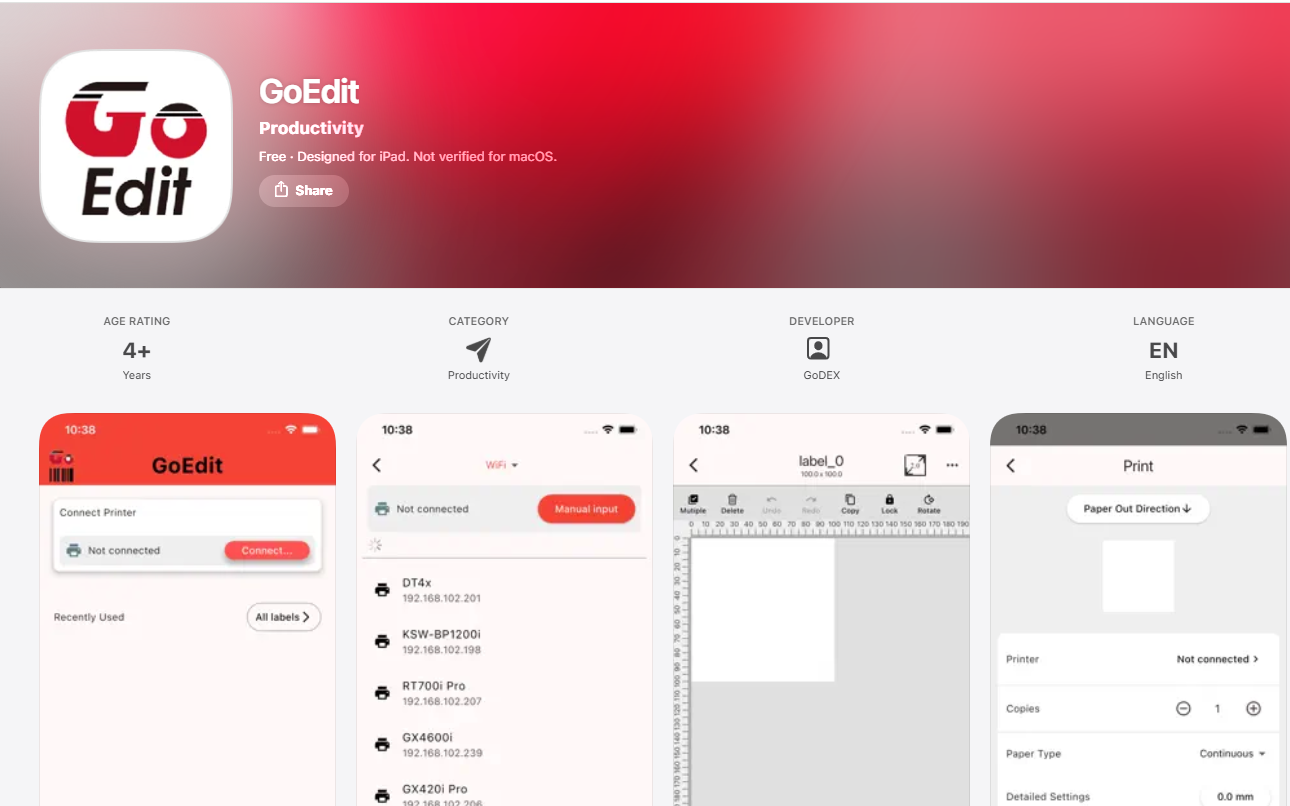
If customer want to edit and print label at MAC he can use GoEdit (not possible if MAC have Intel processor): LINK
You can join the club of happy customer filling next form: